
 | Release: 26 November 2019 OS: 7, 8, 10 (32/64-bit) Steam Reviews: Very Positive |
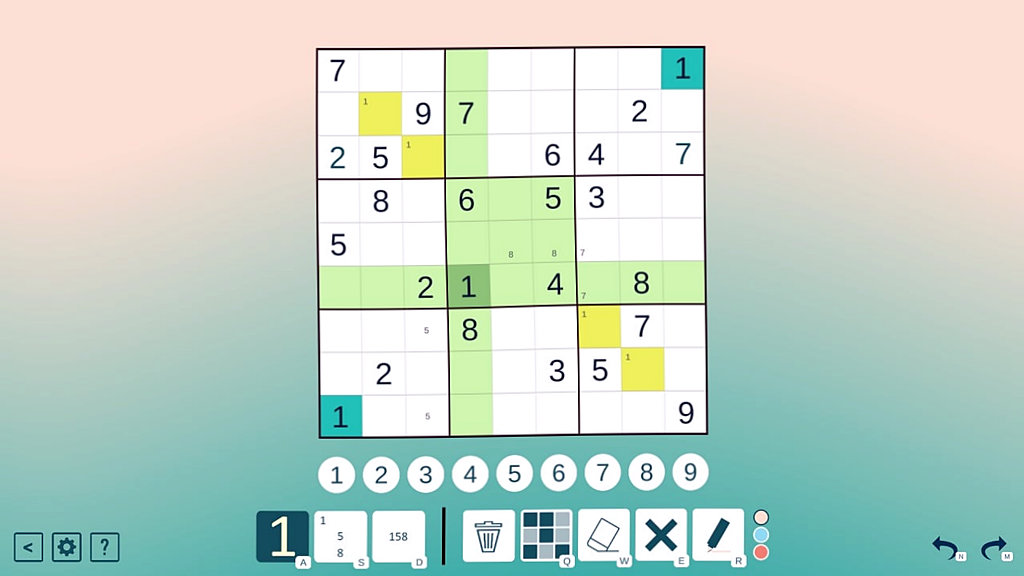
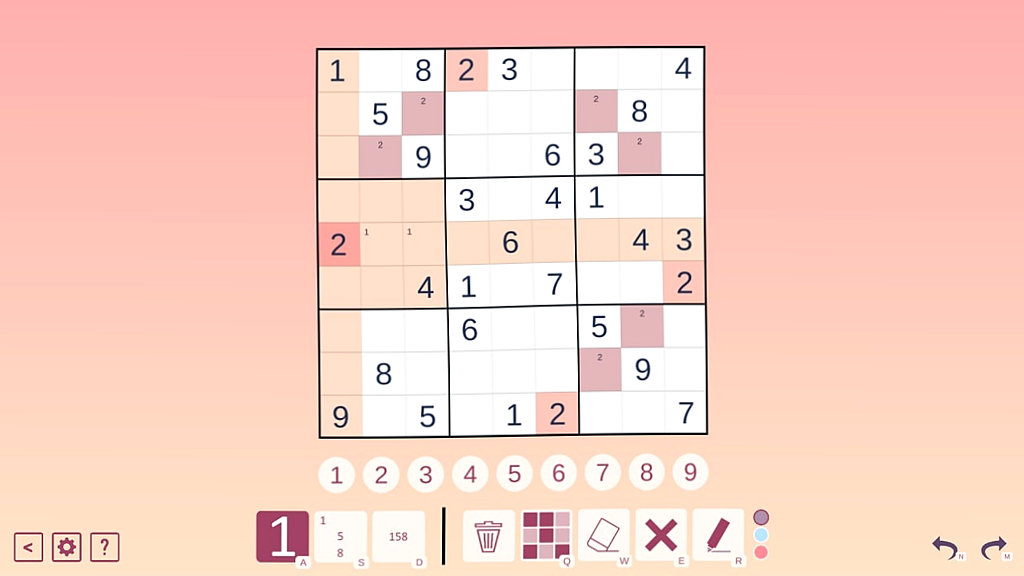
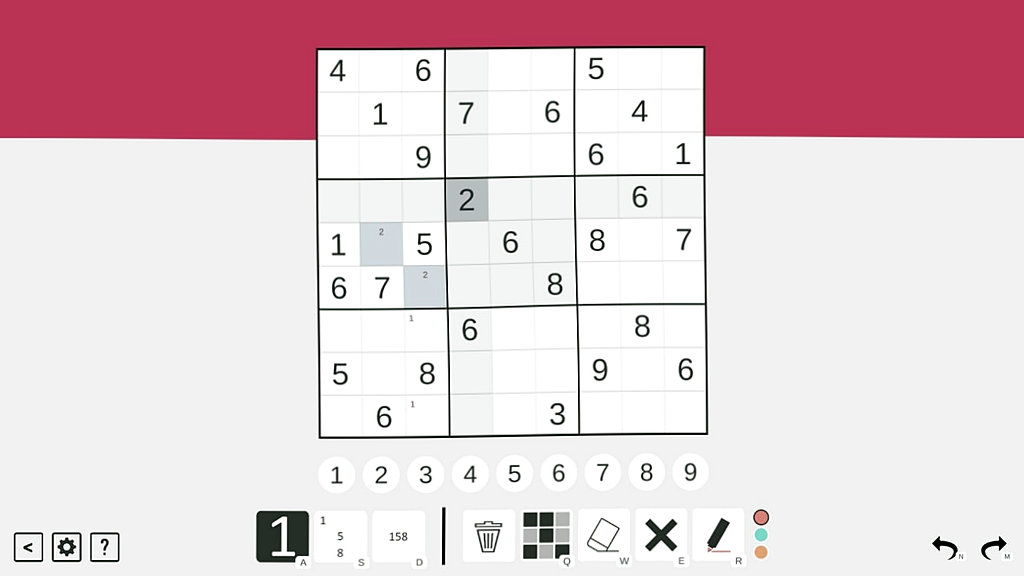
In Classic Sudoku, classic puzzles are accompanied by hints from professionals. Sometimes portraits of Mark and Simon appear on the field with advice on how to best solve the problem. For beginners, there is a training mode with all the rules. It is possible to customize the interface appearance – choose the color scheme of the field and background (blue, light, gradient, pink, etc.d.). The better the user copes with the task, the more stars he will receive. They are needed to unlock new levels. There are 40 of them in total. In Classic Sudoku, there is a square field in front of the player. It is divided into 9 sectors, and those, in turn, into 9 cells in each. In some places there are numbers - from 1 to 9. To put a number in a free cell, you need to click on any at the bottom of the screen. For convenience, there are additional tools: a pencil for notes, an eraser, an urn. 3 types of hints can be used a limited number of times. For the puzzle to be considered completed, there should not be a single empty cell on the field. Each horizontal and vertical row must contain all the numbers from 1 to 9, and not repeat. The key to solving Sudoku is the method of exclusion. You need to look at which numbers are already filled by default. If there are 3, 8, 4 and 2 in 1 line, this means that it remains to find a place for 1, 5, 7, 9 and 6. At the same time, you need to carefully look at how the vertical rows are filled, and whether there is a duplication of existing numbers.
Classic Sudoku screenshots:



Size: 18.1 Mb. Version: (Full Game) Latest version
Download with ONE file (DS)
(max speed + fast connection)